
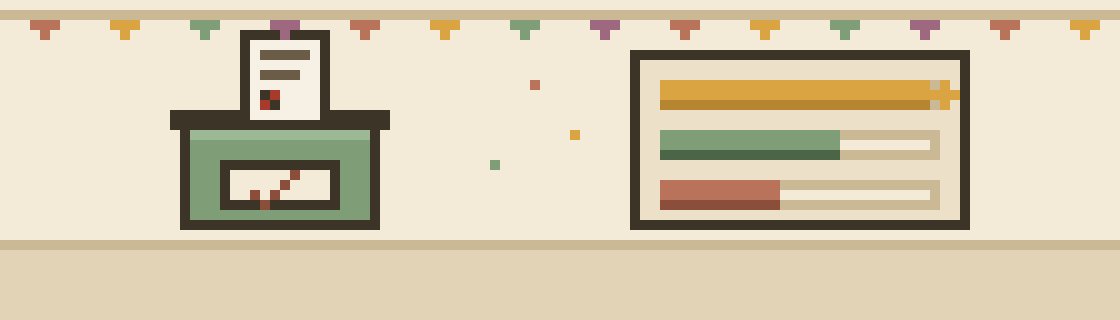
How it works
- Write the question and optionsOne option per line, two to thirty of them.
- Share the linkYou get two links: a share link for the group chat, and an organiser link that shows who voted, lets you add or remove options, and closes the poll when you're done.
- Watch the bars fill inEach vote nudges the bars; the leader sits in gold.
The longer version
Write the question and options
One option per line, two to thirty of them. Decide whether people pick just one, up to a number you set, or as many as they like; whether it's a secret ballot; and whether voters can add their own option when you've missed something obvious.
Share the link
You get two links: a share link for the group chat, and an organiser link that shows who voted, lets you add or remove options, and closes the poll when you're done. Bookmark the organiser one — there are no accounts, so the link is the only key.
Watch the bars fill in
Each vote nudges the bars; the leader sits in gold. Voters see the results the moment they've voted, and can change their mind any time until you close it. When you close voting, the tally freezes and the winner's called.
Running a book club? There's a guide to picking the next book club book — why shortlist-then-vote beats every other method, how many titles to put up, tie-break rules to agree in advance, and what to do about the member who never finishes.
FAQ
Is it really one vote per person?
On the honour system. There are no accounts, so a browser remembers a person's vote — but a determined voter on two phones could vote twice. Fine for a friendly decision or a class vote in the room. If you need a tamper-proof ballot, this isn't it, and it says so honestly.
Can voters add their own options?
If you switch it on, yes — a voter can add an option that isn't listed and vote for it in one go. Leave it off and the list stays exactly as you set it.
Can I change my vote?
Yes, any time until the poll's closed. Your browser remembers your vote, so "change my vote" is right there on the results.
Who can see how I voted?
Only the organiser sees the breakdown of who picked what — and on a secret ballot, not even them: no names are asked for or kept. Everyone else — anyone with the share link — sees just the totals.